JSON to table
A JSON file returned by an API becomes a table directly — the keys of an object array become columns, one object per row. For when you already have an API result and do not want to configure a connection.
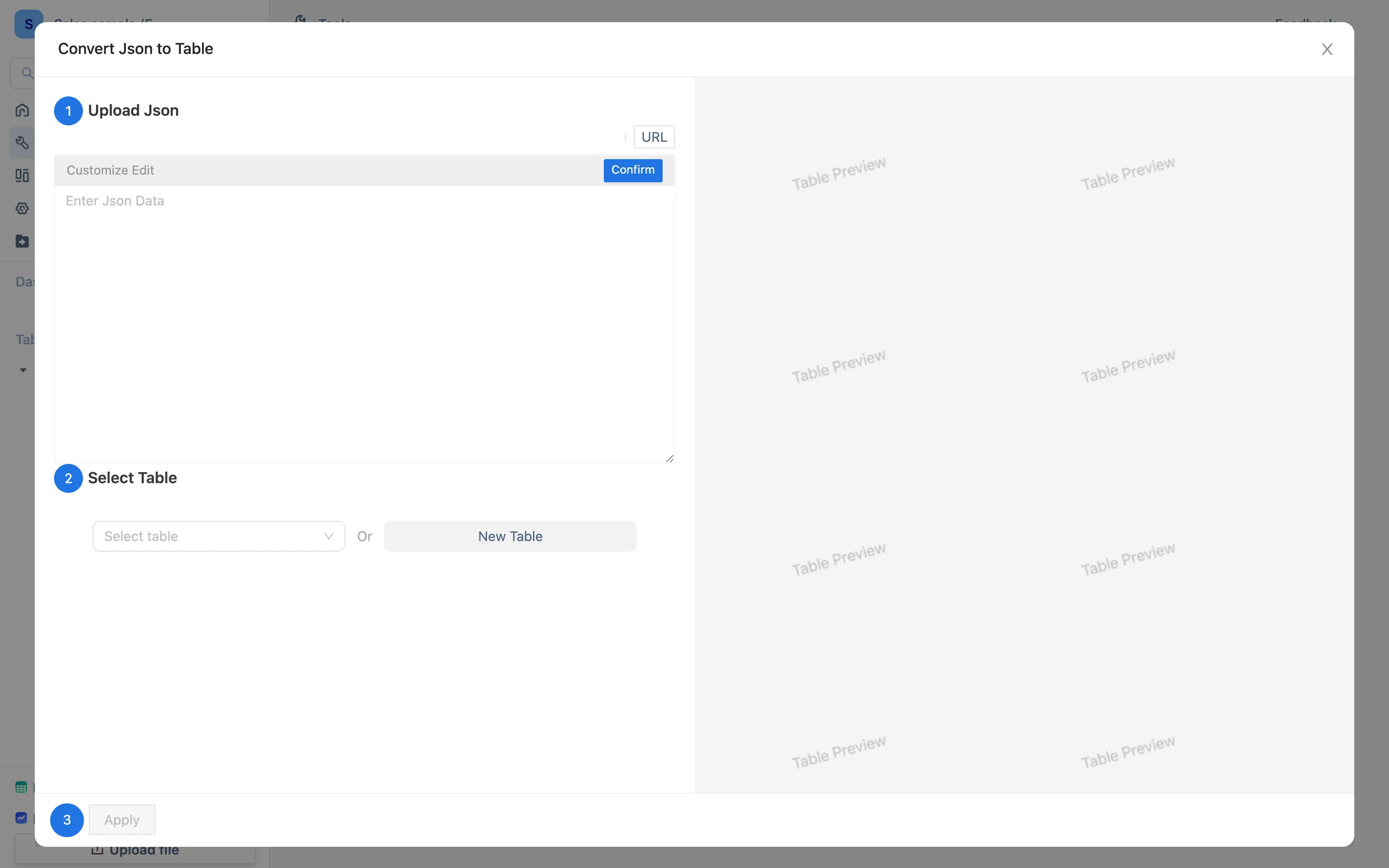
Two ways in
- Tools → Json to Table (the card is tagged "Json" / "to Table"): creates a new table.
- Import → From JSON inside a table: appends to that table.
The only difference is where the result lands. Column matching is the same as an Excel import — by column name; keys the table does not have become new columns, and existing columns not covered by this JSON keep their values on existing rows.
Three steps
The wizard names them exactly:
- Upload Json — pick a
.jsonfile. UTF-8 plain text; no extra size limit. - Select Table — a new one, or an existing one.
- OK — you land in a preview. That preview is identical to Upload Excel and CSV: rename columns, delete columns, set field types, then finish.
The shape JSON needs
The ideal is an array of objects:
[
  { "order": "A001", "customer": "Eastern Trading", "amount": 3180 },
  { "order": "A002", "customer": "Northern Logistics", "amount": 620 }
]
One object per row; the key names become column names.
- Objects nested one level deep are flattened into
parent.childcolumns. - Deeper nesting, and arrays inside arrays, are easier to handle at the source: extract the level you want before importing rather than unpicking it afterwards.
- If this JSON is what some endpoint returns on a schedule, do not download it by hand every time — point a data connection at that endpoint and let it pull on a plan, using JSONPath to take only the fields you want.
After it lands
An ordinary table: formula columns, views, dashboards, and another JSON appended next time. If the same records can arrive twice, set a primary key on whatever the source calls the id.