About and updates
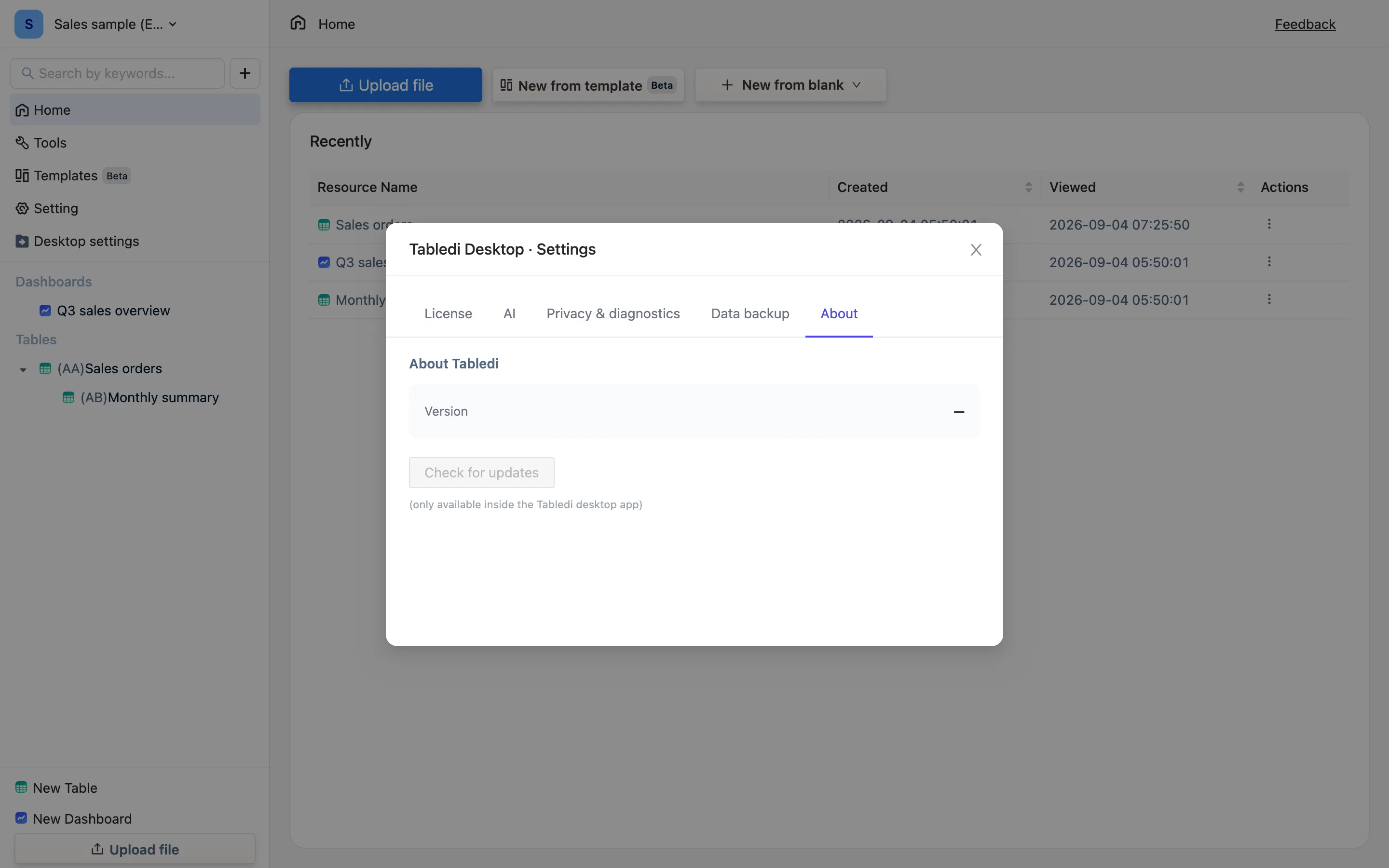
The About tab shows the current version and when it last checked, and checks on demand. A new version is announced in the main window, downloads in the background and installs when you quit. Updating does not touch the data folder.
The About tab
Desktop settings → About Tabledi: the current Version, Last checked, and a Check for updates button. What it can say:
- You're on the latest version.
- 🎉 Version x.y.z is available plus Download update — press it to go to the download page, or wait for the automatic update.
- Couldn't check for updates. Try again in a bit — a network problem.
Automatic updates
A new version is announced in the main window. The package downloads in the background, and when it is ready you get Tabledi update ready — Version x.y.z has been downloaded and installs when you quit the app. Quit normally and the next launch is the new version.
An update replaces the application only; the data folder is untouched. The first launch after an update is a little slower while the engine initialises.
The two platforms
macOS and Windows version numbers do not necessarily move together; the changelog is the authority on where each one is. It lists what changed in every version, fixed bugs included — when something looks odd, check there first in case it is already fixed.
Updating by hand
Download the new installer from the download page and install over the top. The data lives in its own folder and is not lost.
Going back
There is no button for reverting to an older version. If you need one, contact us. The data format is forward-compatible, and data written by a newer version may not be readable by an older one, so export a .tdbk before going back.