Privacy and diagnostics
One switch — anonymous crash reports. On, crashes and internal errors are reported anonymously with no business data; off whenever you like, fully in effect at the next launch. Plus every other thing the desktop app touches the network for.
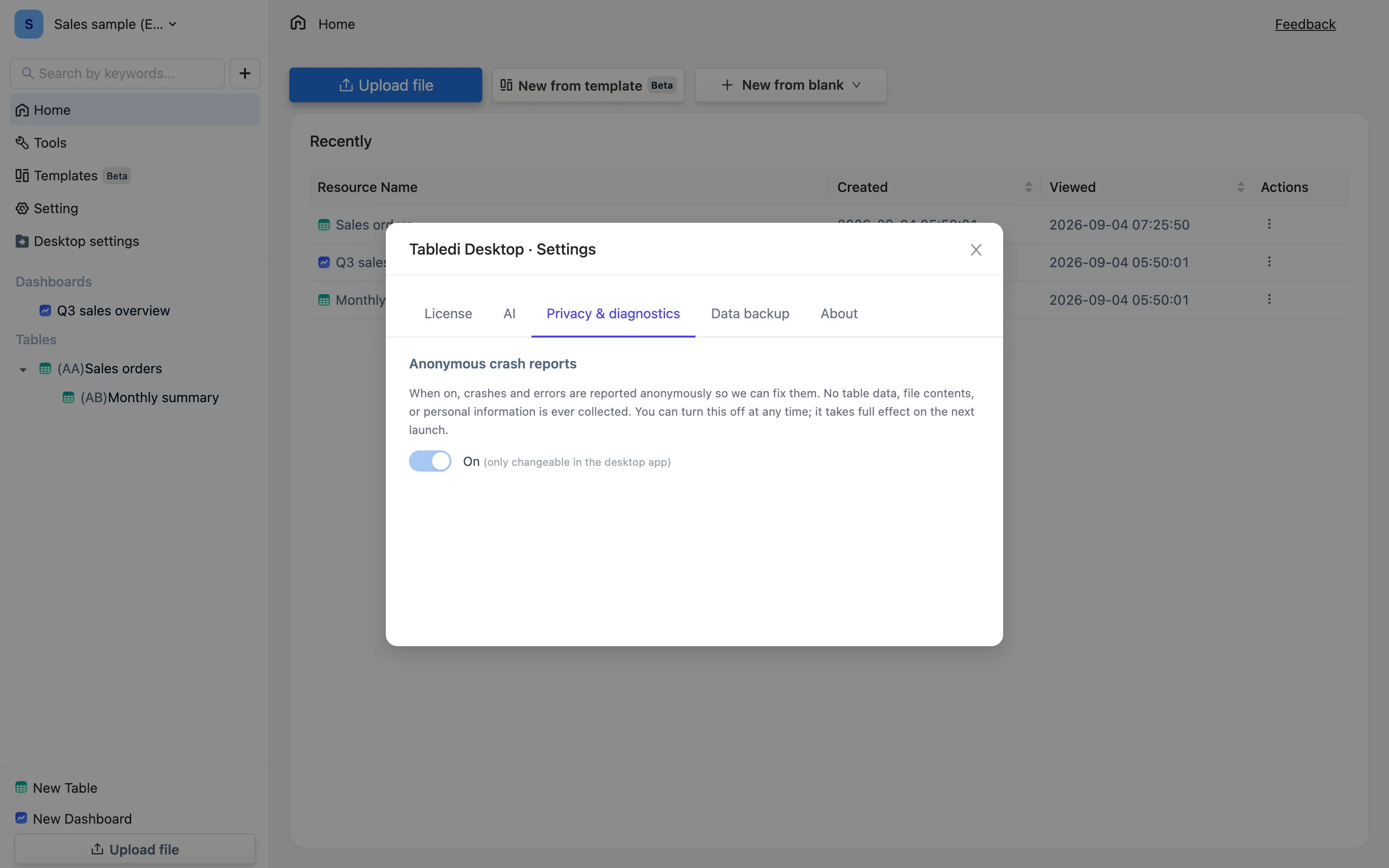
Anonymous crash reports
Desktop settings → Privacy & diagnostics. With the switch on: When on, crashes and errors are reported anonymously so we can fix them. No table data, file contents, or personal info is included. What goes out is a stack trace, a version and system details — diagnostic information.
The change saves immediately, with Crash reports on — fully in effect after the next launch (or off).
We suggest leaving it on: most bugs are located from these alone, without you having to write in.
What the desktop app uses the network for
Apart from crash reports, the desktop app goes online only in these cases, and every one of them is avoidable:
| Thing | When | Can you avoid it |
|---|---|---|
| License activation and periodic checks | At activation, occasionally after | Not activating means none |
| Checking for updates | Manually on the About tab, or at launch | — |
| AI requests | When you use an AI feature, sent to the provider you configured | No key means none |
| Data connections, web functions, an automation's Post | When you configure such a connection or action | Not configuring means none |
| A launch heartbeat | Anonymous, counting installs and active use | — |
The table data itself is never uploaded. See Where your data lives and AI privacy.