Dates and times — splitting, formatting, offsets
Pull year-month, week and quarter out of a date column; normalize a column where dates were written five different ways; offsets and differences; and the date table that grows by itself.
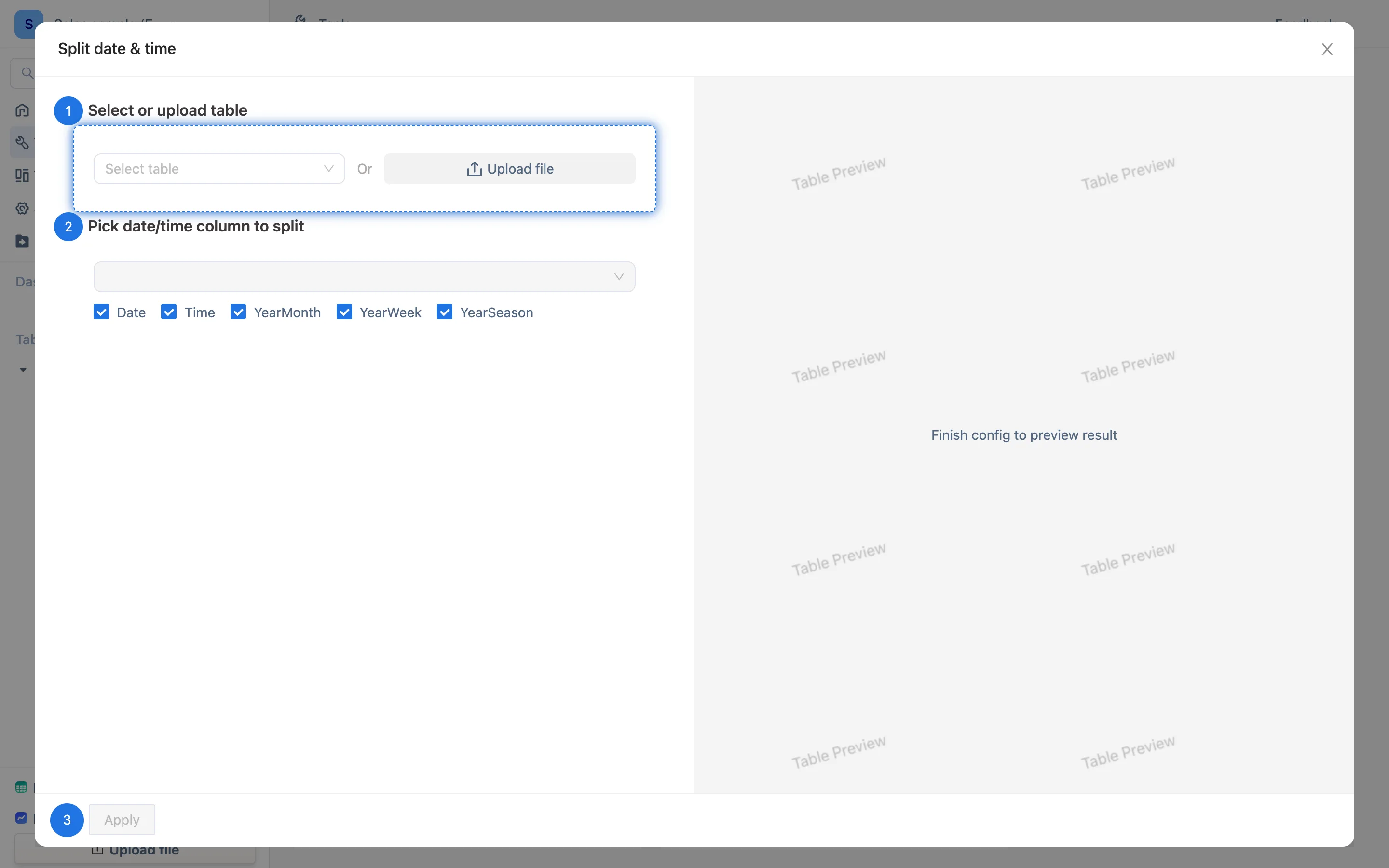
Split DateTime (the wizard)
Tools → Date & Time (Split DateTime):
- Choose or upload the table to split.
- Choose the date / time column, then what to pull out of it — several at once:
- Date — drop the time part,
2026-09-03 14:20→2026-09-03 - Time — keep only the time
- Year-month —
2026-09, the key for monthly totals - Year-week —
2026-36, the key for weekly totals - Year-quarter —
2026-Q3
- Date — drop the time part,
- Run. Each becomes a new formula column.
A year-month column is the most common starting point for growing a summary table. The sample workspace's Month column is the same thing written by hand as left(AA2, 7).
Normalizing a messy date column
When the imported dates were written every which way, keep the raw column and derive a clean one:
| What you want | Formula |
|---|---|
Every spelling normalized to 2026-09-03 |
dateformat(AA2, "yyyy-MM-dd") |
| Year and month only | dateformat(AA2, "yyyy-MM") |
| A unix timestamp (seconds) as a date | timestamptodate(AA2) |
| Text turned into a calculable date value | date(AA2), or date(AA2, "yyyy-MM-dd HH:mm:ss") with a time |
Set the derived column's field type to Date, or the time-range filters (this month, last week) will not work on it.
Offsets and differences
| What you want | Formula |
|---|---|
| A due date 30 days after signing | date(AA2) + 2592000 — the offset is in seconds, so 30 days is 30 × 86400 |
| One month earlier | The Date offset wizard, or the offset form in the function reference |
| Days between two dates | days(AA3, AA2) |
| Months / years between | datedif(AA2, AA3, "M"), datedif(AA2, AA3, "Y") |
| Day of the week | dayname(AA2), dayofweek(AA2) |
| Last day of the month | lastdayofmonth(AA2) |
| Week number in the year | weekofyear(AA2), isoweeknum(AA2) |
The offset unit trips people up: date(...) + 30 is thirty seconds, not thirty days. The in-app function help for date states it — "time offset: in seconds, can be negative".
Full argument lists are in the function reference for dates and times.
A date table that moves forward on its own
datetime(start, interval) produces a sequence from the start time up to now, one row per interval, gaining a row as time passes. Used as a calendar skeleton with COUNTIF / SUMIF hanging the day's data off it, you get a daily report with no missing days. That is the subject of scheduled tables — including the caveat that it does not currently work in the desktop build.