Export as a template: reusing structure and formulas
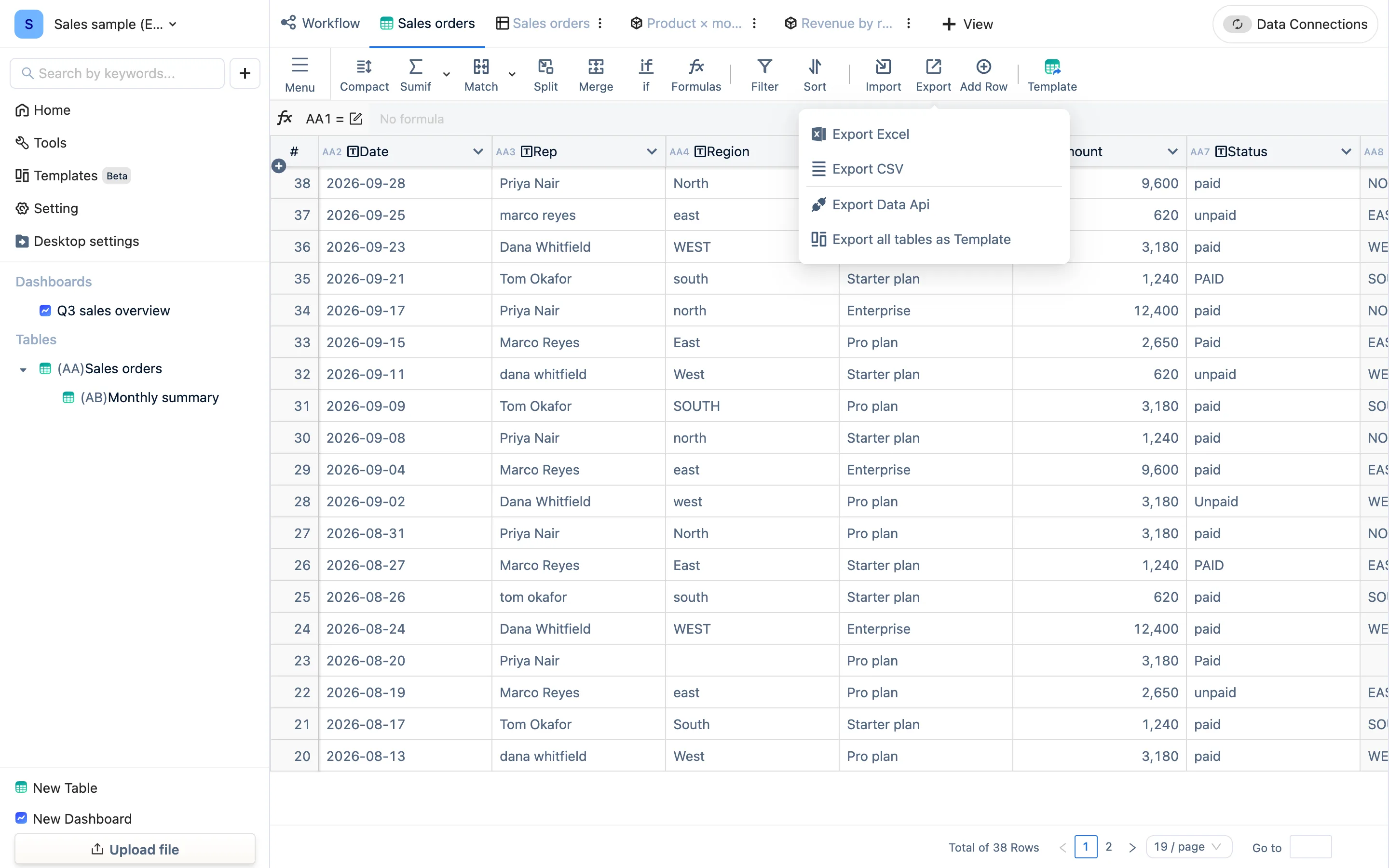
Export → Template saves a table, its formula columns and its views as a template file, so another workspace, another computer or another person can install the whole thing at once with New from template. Not the same as downloading a blank header sheet.
Two similarly named things
| Export as a template | Download the blank template | |
|---|---|---|
| Where | Toolbar Export → Template | Toolbar Template |
| You get | A template file (.json) |
An empty Excel with headers only |
| Installing it | New from template → Upload local template file | Import → Upload file |
| What it carries | Structure, field types, formulas, views — and the data | Column names only |
| What it is for | Copying a finished setup somewhere else | Getting somebody to fill data into your columns |
Using an exported template
- Open the finished table, Export → Template, save the file.
- In the destination workspace — another computer, another person — pick New from template on the home screen and then Upload local template file, and choose the file.
- Look over the list of resources and press Use this template. Tables, formulas and views are recreated as they were.
Applying is additive: it only adds to the current workspace and touches nothing that is already there. Apply it twice and you have two copies.
What travels
- Columns, field types, column formulas, and the linked tables the formulas reference (they export together)
- Views and their configuration
- The data rows (for an empty shell, clear the data before exporting, or clear it after importing)
What does not travel: data-connection credentials (they carry passwords and must be rebuilt in the new environment), and a dashboard's sharing settings.
What people use it for
- One ledger for every branch. Build it once, export the template, and each branch imports its own copy to fill in.
- A deliverable for a client. Package the process — formulas, summaries, views — and they import it into their own TableDI with their own data.
- The scenario templates on the website are published exactly this way: Templates · Scenario templates.
Moving a whole workspace
When what you want to take is everything rather than one table, use a .tdbk backup: that restores a whole package, where a template adds to one.