The primary key — update instead of duplicate
Name one column as the table's unique key, and from then on re-importing, pasting or syncing the same key updates that row instead of adding another. This is the switch behind "incremental updates" and "no duplicates".
The problem it solves
You import this month's orders, and next month you import again. Without a key, the rows that appear in both files land twice, and every total is wrong. With a key, the second import updates the rows it already has and appends only the genuinely new ones.
Setting one
Open the table, click Data Connections at the top right, then Set Primary Key in the dialog.
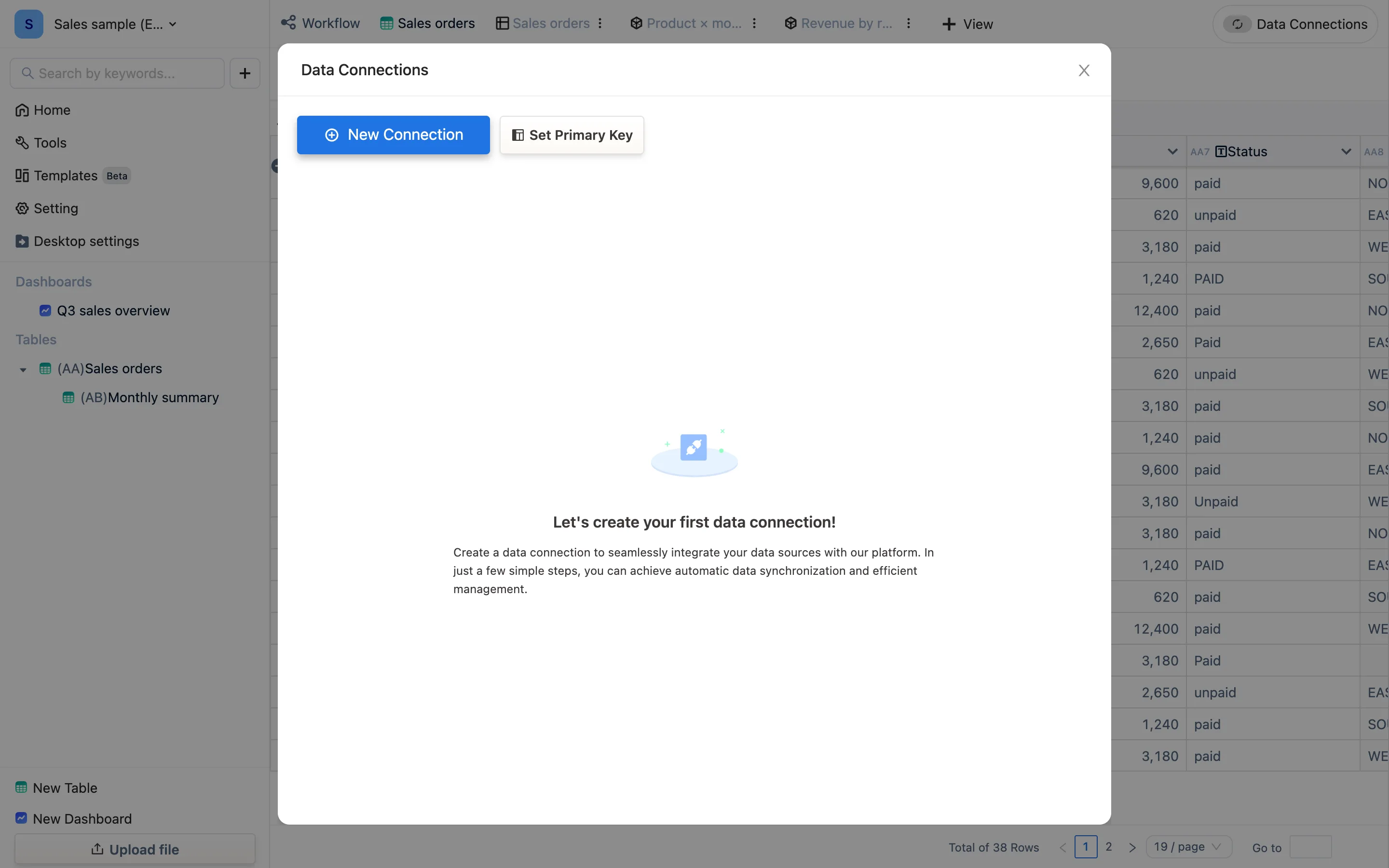
Pick the column (or columns) that identify a row. The dialog states exactly what happens:
Choosing a field will merge its content into the table's index field without altering the original field. The system retains only the latest row of identical primary keys.
Three consequences worth reading twice:
- The chosen column's content is merged into the table's first column (
AA1, the#Primary Key column). The original column is untouched. - Rows sharing a key keep only the latest one.
- Choosing several columns makes the key their combination — date + store, part number + warehouse.
Choosing the right column
A key has to be unique per row and stable over time:
| Data | A good key | Why |
|---|---|---|
| Sales orders | Order number | One per order, never reused |
| Daily store takings | Date + store | One row per store per day |
| Stock movements | Movement id | Two movements of the same part are different rows |
| Parts list | Part number | The natural key |
| Attendance | Date + employee id | One row per person per day |
A bad key is anything that repeats: customer name, region, status. Using one of those collapses many real rows into one, silently.
What changes afterwards
- Importing again: matching keys update, new keys append. This is what people mean by an incremental update.
- Data connections: the same rule, so a connection that re-reads the whole source stops multiplying rows. For sources shaped "the current full state" rather than "new records only", a key is not optional — see HTTP connections.
- Automation actions that submit into another table update rather than insert, when the target has a key.
- Dashboard "insert data" actions likewise — which is how a dashboard button becomes a "change the status" button rather than an "add another row" button.
Changing or removing it
Set it again with a different column and the table re-keys. Since only the latest row of each key survives, re-keying on a column with repeats collapses rows and cannot be undone — check that the column really is unique before switching. Export a .tdbk backup first if the table matters.