The export stopped at 1,000 rows
A free license exports the first 1,000 rows of each table to Excel or CSV. That is the plan boundary, not a fault. Three ways round it — the free full backup, a paid license, or exporting less.
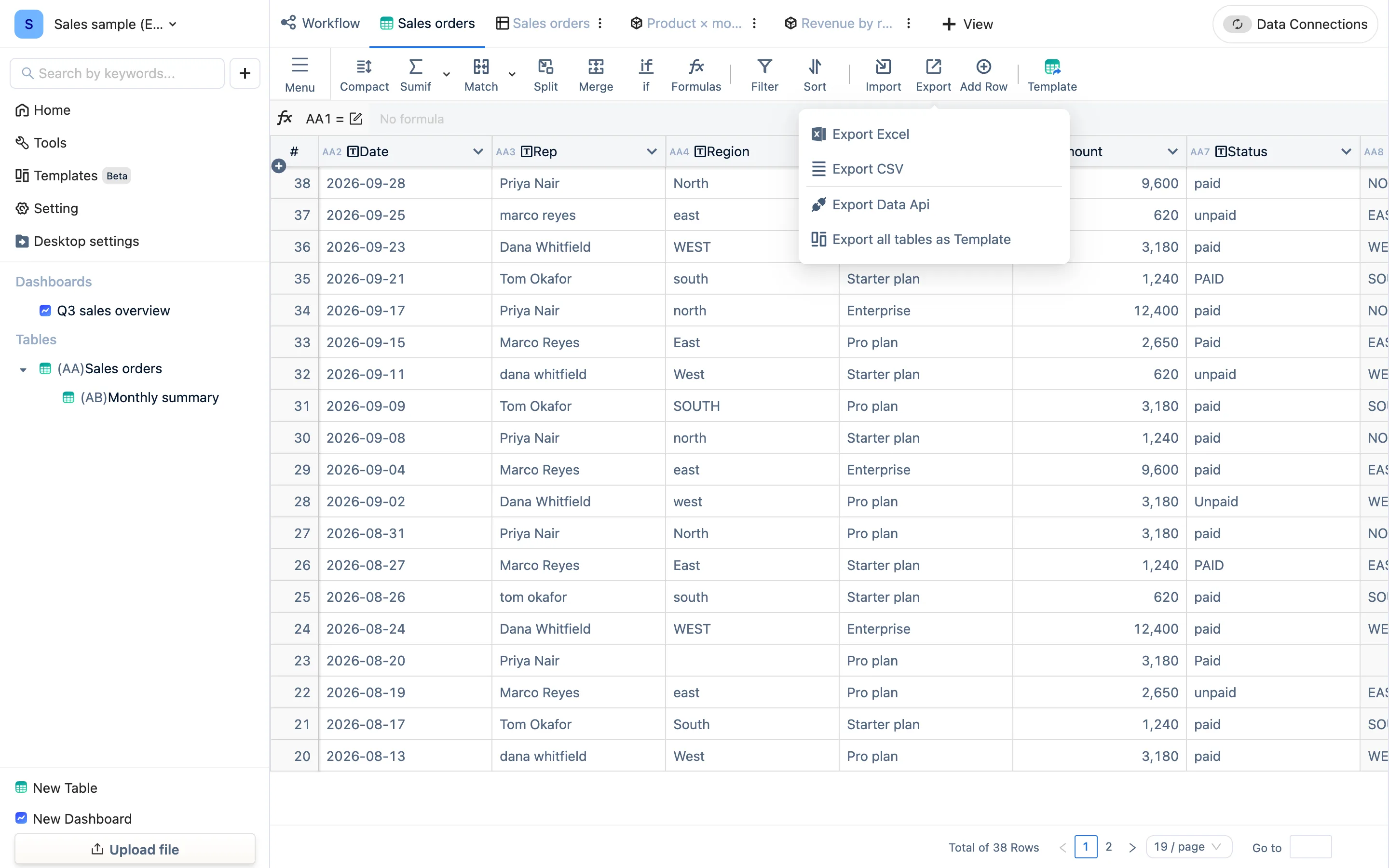
What is happening
A free license draws a line at Export Excel and Export CSV: the first 1,000 rows of each table. When it hits the line it says so — Free exports the first 1,000 rows. Upgrade to export everything. — and the file holds those 1,000 rows. Importing, formulas, views and dashboards are unaffected; this one exit is the only thing capped.
Three ways round it
- Everything, free, but it only opens in TableDI. Desktop settings → Data backup → export a
.tdbk, with no row limit. Right for backups, moving machines, and taking your data with you. - Everything as Excel or CSV. Unlock it with a paid license — $7.99 monthly, $49 yearly or $99 lifetime (the buy page is the authority). Activate and export again.
- Export only what you need. Filter in a view — this month, one region — and the export follows the filter; under 1,000 rows it is complete. Summary tables are usually far under 1,000 rows, so summarizing first and exporting that is a common move.
Already paid and still capped
- The license is not activated, or has expired: Desktop settings → License, and look at the status.
- After activating, the engine restarts before it takes effect. Wait ten seconds and export again.
- You changed computers: a license is live on one machine at a time. Deactivate on the old one, activate on the new one — see License.