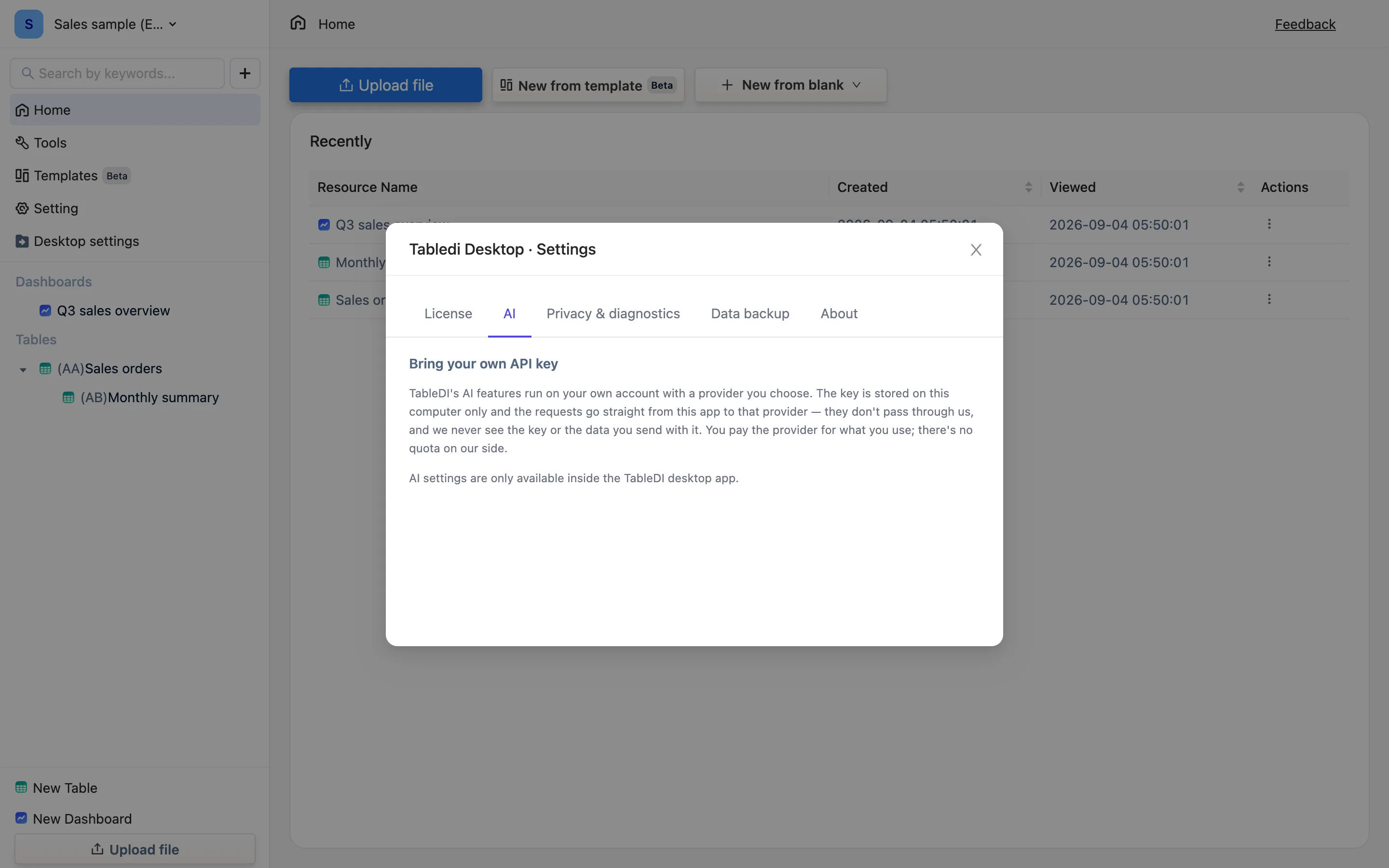
Bring your own API key
TableDI's AI features run on your own model account. Paste a key under Desktop settings → AI, optionally an endpoint and a model, and the engine restarts to pick it up. You pay the provider directly — we never see the key or take a cut.
AI is a paid feature. Even with a key configured, every AI entry point on a free license raises AI plugins are a paid feature — Ask AI, the suggestions inside the panels, AI-written formulas, AI-generated rows, image-to-table, and the AI and web functions all go through the same backend channel. Activate a paid license first, then add the key.
Why you supply the key
The desktop app has no account and no server of ours behind it, so an AI request can only go from your computer straight to a model provider. That needs a key of your own. The upside is that all three decisions stay yours: which provider, how much you spend, and where the data goes.
The two conditions are independent — a paid license and a key. Miss either and the AI entry points stay closed: Ask AI, panel suggestions, AI formulas, AI-generated rows, image-to-table. Everything else in the app is unaffected.
Steps
- Open Desktop settings (sidebar, or Cmd+, / Ctrl+,) → the AI tab, headed Bring your own API key.
- API key — paste yours; most start with
sk-. - Chat completions endpoint — leave empty for OpenAI. For any other provider paste the full URL; it usually ends in
/chat/completions. - Model — empty means the provider's default. You can name one, e.g.
gpt-4o-mini. - Save. The engine reads the key only at startup, so it restarts, about 7 seconds. Anything unsaved in a table is written to disk first.
After that every AI feature is live. Remove key deletes it from this computer; AI stops working and nothing else changes.
Which providers work
Anything exposing an OpenAI-compatible chat completions endpoint: OpenAI itself, hosted model gateways, regional platforms with a compatible API, and models running locally on your own machine as long as they serve that interface. Paste the full URL into the endpoint field.
Services needing extra request headers, or a request shape other than chat completions, will not work.
What it costs
Whatever your provider charges, billed by them to you. There is no quota, no credit balance and no markup on our side — the paid license unlocks the AI features themselves, not tokens.
For scale: a few dozen formula suggestions and panel analyses cost very little. Image-to-table costs more, because images are expensive to send.
Where the key is stored
In settings.json inside the app's data folder, on this computer only. It is not included in .tdbk backups, so after moving to a new machine you paste it again.
Credit: -1 in the corner of the window
Versions before 0.0.9 had a bug: the sentinel -1 that means "no quota" was read as a real balance, so every AI call was rejected as over-limit. Upgrading fixes it — see AI errors.