Match — the cross-table lookup
Pull columns from another table on a shared key. The panel's steps, what it does when several rows match, the xlookup and sumif it writes, and why it beats VLOOKUP on all four counts.
The situation
The parts list needs each part's running balance, but the quantities live in the stock movements table. The customer table needs a "last order date" column, but the orders are somewhere else. What these share: two tables have a column with the same content — part number, customer name — and you want to bring things across on it.
The panel, step by step
Match in the toolbar:
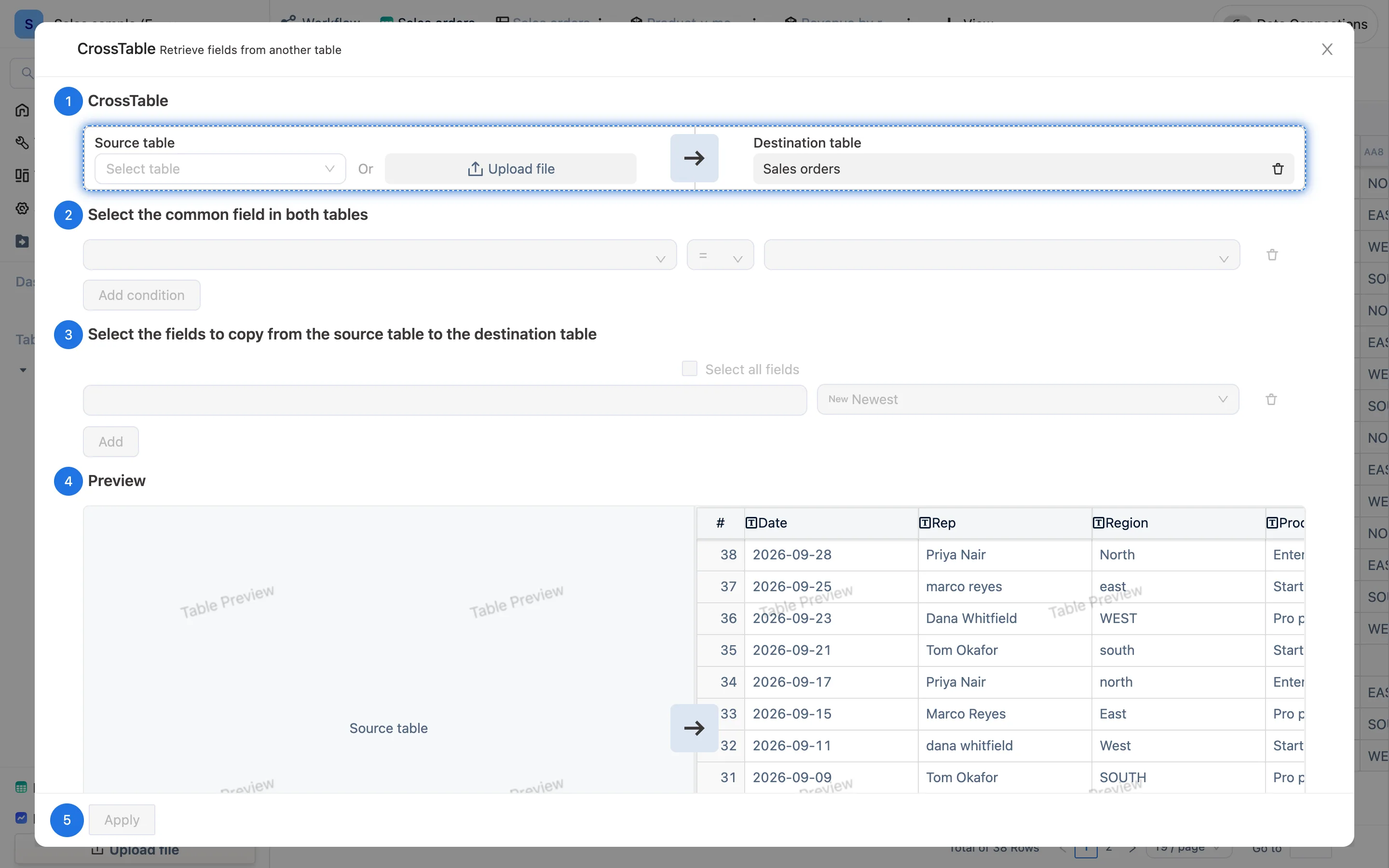
The panel is headed CrossTable — Retrieve fields from another table, with five numbered steps:
- CrossTable — Source table on the left (pick one, or Upload file), Destination table on the right, defaulting to the current table.
- Select the common field in both tables — the source's key,
=, the destination's key. Add condition adds another pair, for "same part number and same warehouse". - Select the fields to copy from the source table to the destination table — tick the ones you want, or Select all fields; Add adds a row. Each has a dropdown deciding what to do when several rows match:
- Newest — take the newest matching row's value (the default)
- Sum, count and the rest — aggregate every matching row, which is what the Tools card's "cross-table Sumif / Countif" means
- Preview — the result appears on the right.
- Apply — the destination table gains formula columns.
The formula it writes
For a single value, xlookup:
xlookup(AB2, AA3, AA6)
   In table AB: take this row's AB2, find it in AA's AA3, return that row's AA6
For an aggregate, sumif / countif:
sumif(AA6, AB2 = AA3)Both show in the formula bar and can be edited.
Against VLOOKUP
| VLOOKUP | Match here |
|---|---|
| The key has to be the leftmost column of the lookup range | Any column |
| Values come by column index, so inserting a column shifts everything | Values come by column code; moving or renaming changes nothing |
| Returns the first match only | Latest, or sum / count / max / min over every match |
| The formula has to be dragged down | It lives on the column; new rows calculate themselves |
Missing key shows #N/A |
Missing key leaves the cell empty |
When nothing matches
- The keys look identical but are not: one side has spacing, full-width characters or different capitalisation. Add
upper(trim(AA3))on the lookup table and use that column as the key. - One side is a number and the other is text:
0012versus12. Make the field types agree. - Date keys:
2026-09-03on one side and2026/9/3on the other. Normalize withdateformatfirst.
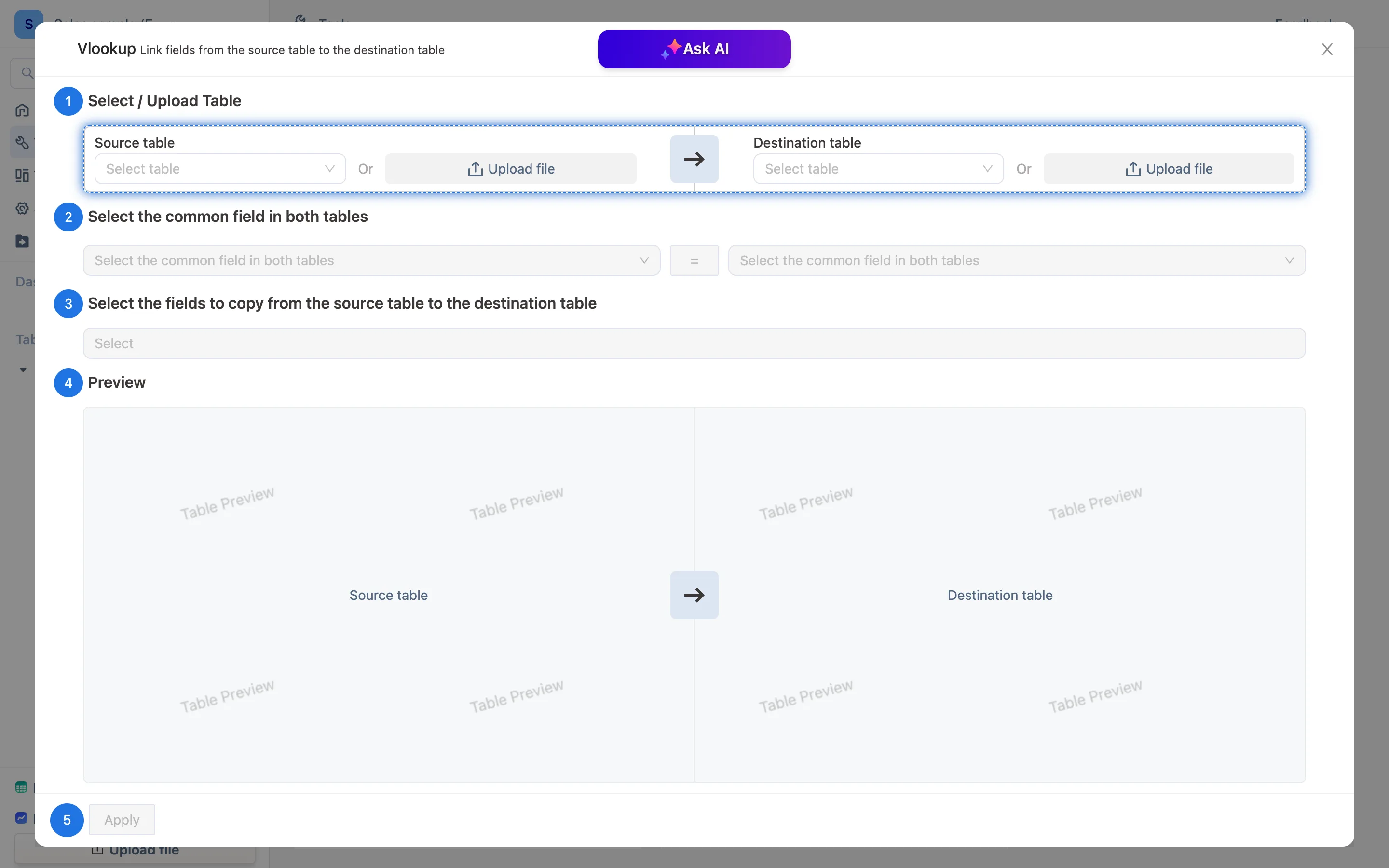
Ask AI at the top of the panel can suggest which columns the two tables have in common.