Ask AI: build a comparison table by chatting
The Ask AI page on Tools is a chat: describe what you want compared or collected, upload PDFs, spreadsheets or CSVs, or let it search — and the answer lands in your workspace as a real table.
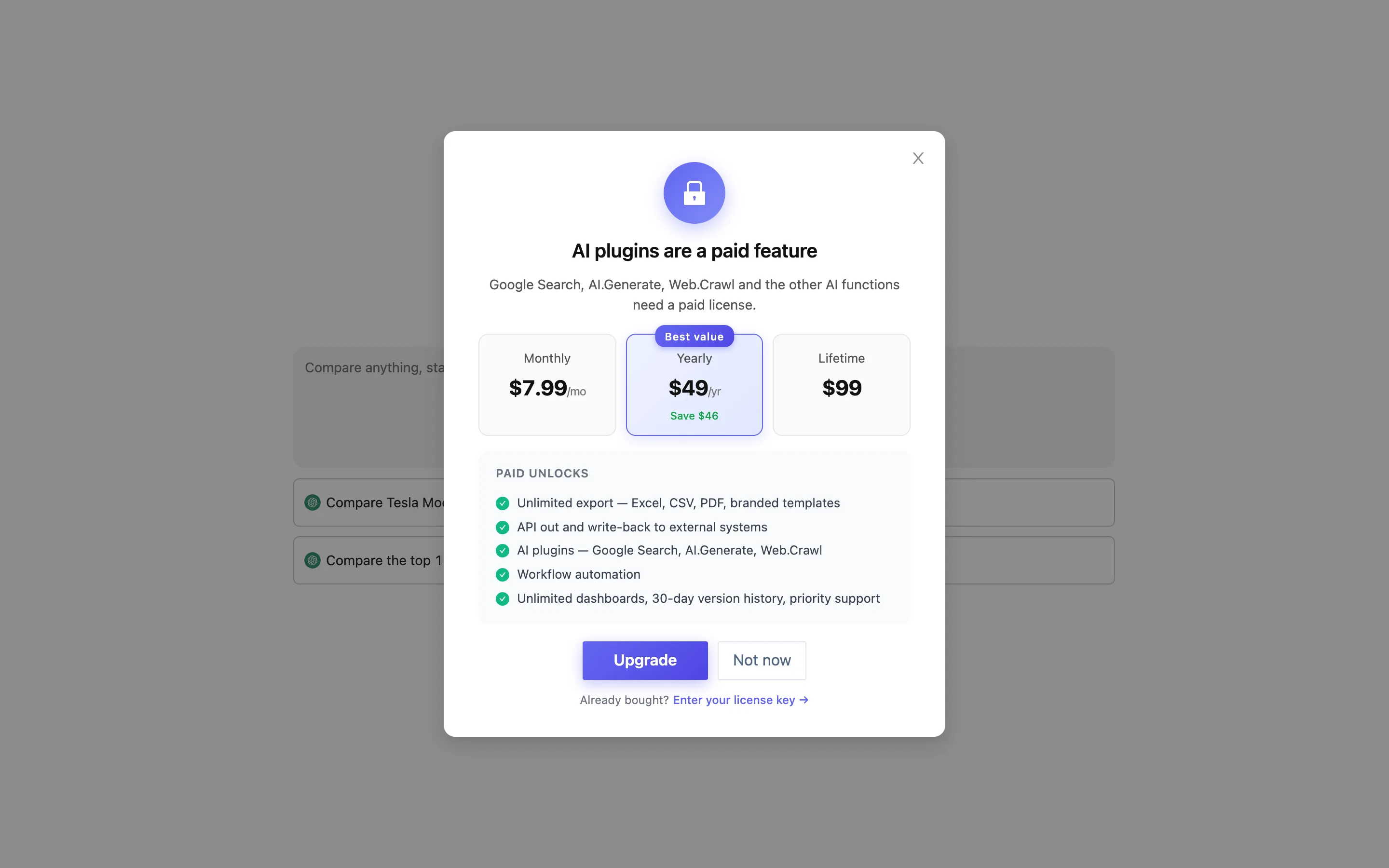
This page describes a paid feature that also needs your own API key. On a free license the entry point raises AI plugins are a paid feature.
Where it is
Sidebar → Tools → the Ask AI card (labeled Chat Excel, tagged AI Vlookup, AI Summary, AI Split). It opens a chat page headed How can I help you today? The sidebar switches to New Chat and Histories.
How to use it
The hint under the input box tells you the controls: / to switch function, @ to reference header, shift + return for newline.
Three typical openings:
- Start from a list. "Compare the main project-management tools — price, free tier, whether they do Gantt charts." You get a comparison table.
- Upload material. Upload takes up to 10 files at a time — Max 10, supported formats include PDF, XLSX, CSV, DOCS. Ten quotes, a handful of contracts: let it pull them into one table.
- Search. Search has it look things up first, then organize what it found.
The result arrives as a table. You can Add Row to extend it, or keep asking about one column. Once you are happy it is an ordinary table in the workspace — formulas, views and dashboards work on it like any other. Chats can be renamed and deleted.
What it is good and bad at
- Good at: turning unstructured material (a PDF, a web page, a paragraph of description) into a structured table; "thing × dimension" comparison tables; pulling the same field out of several files.
- Bad at: exact arithmetic over a large table you already have. That is what formulas are for, and formulas are checkable. Treat numbers it produces as a draft — especially amounts lifted out of PDFs.
How it differs from the other AI entry points
| Entry point | Where | What it does |
|---|---|---|
| Ask AI (chat) | Tools page | Builds a table from nothing |
| Ask AI in a panel | Top of the Summarize / Match / Split panels | Fills the panel in for you |
| AI formula | Formula editor | One sentence in, one formula out |
| AI Generate new row | Add Row | Adds a row that fits the existing columns |
| Dashboard AI | Dashboard editor | Describe a dashboard, get components |
| Convert Image to Table | Tools / Import | OCR |
All of them need an API key first; what each one sends out is listed under Privacy.