Filter, sort and which fields show
Three things that change the display and never the data. Every comparator, the time-range shortcuts, advanced filters with and/or, multi-column sorting, hiding columns, and the "filter current row" shortcut.
They change the view, not the table
Filter and Sort in the toolbar, and Fields in a view, only affect how the current view displays. Not a row or a column is lost, and each view keeps its own settings. To genuinely end up with a subset, use Split.
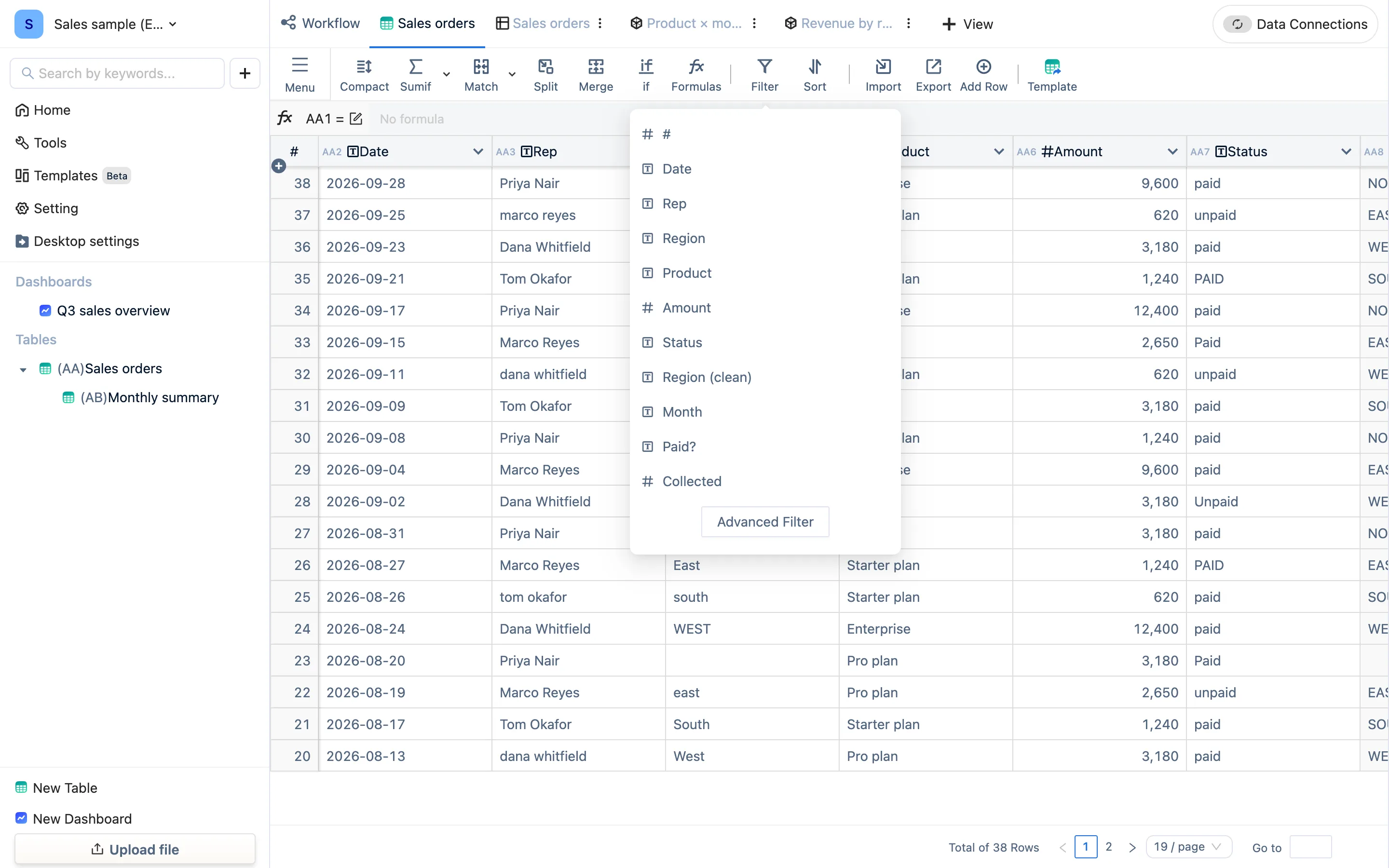
Filter
Click Filter, then add a condition: a column, a comparator, a value.
| Kind | Comparators |
|---|---|
| Equality | equals, not equals |
| Magnitude | greater than, greater or equal, less than, less or equal, between (min ~ max) |
| Text | contains, does not contain |
| Set | in list, not in list (several values at once) |
| Time | a time range: Today, This Week, This Month, This Year, Yesterday, Last Week, Last Month, Last Year, Tomorrow, Next Week, Next Month, Next Year, or a custom start and end |
Time ranges only work on Date columns — one more reason to get the field type right.
Several conditions default to "and" (all must hold). Advanced Filter switches to "or", or builds groups like "(A and B) or C". Once a filter is active the button shows how many conditions there are.
Filter Current Row — right-click a row and use this row's values to pull up records like it. It is the fastest way to see every order from one customer.
Sort
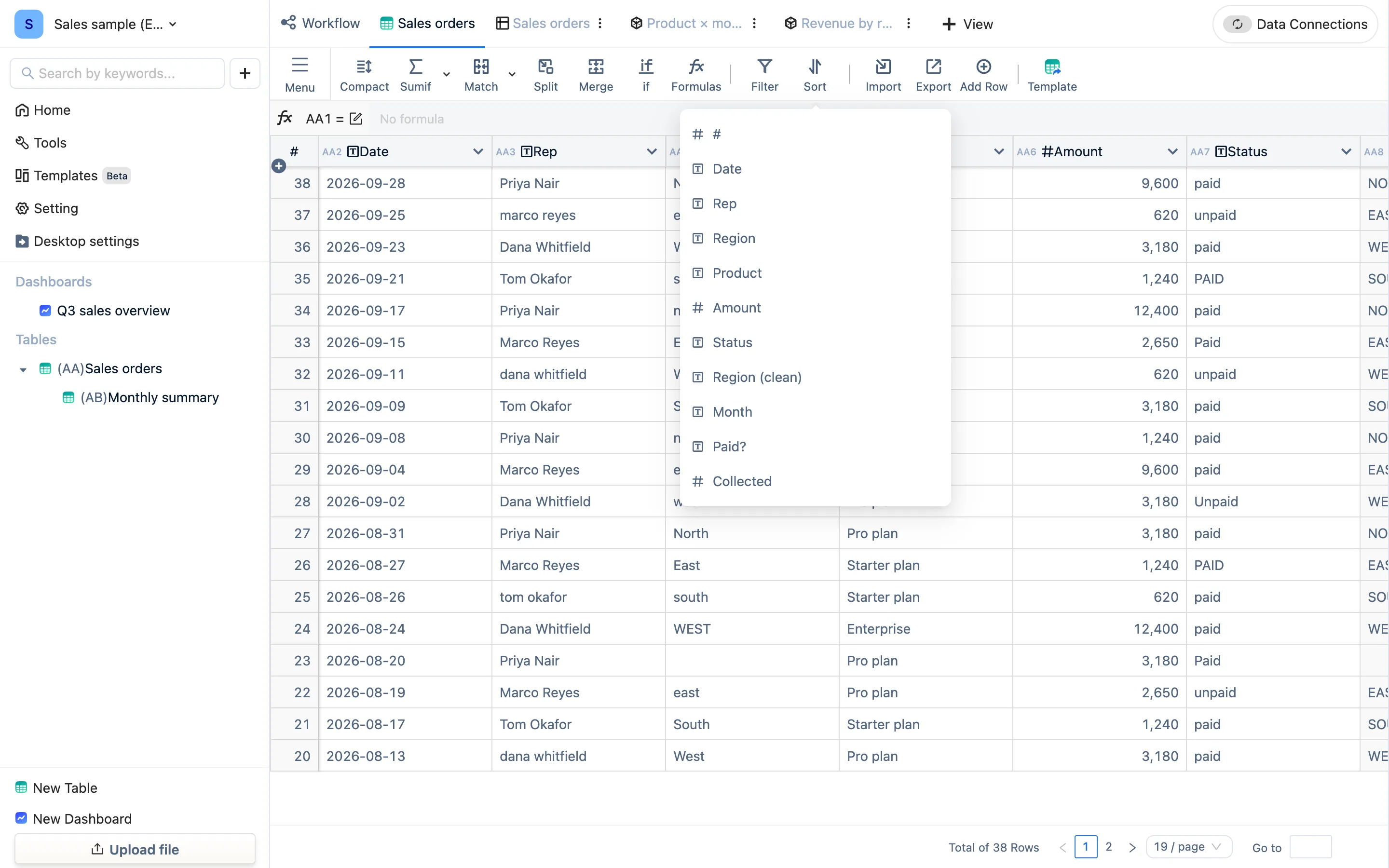
Click Sort, pick a column and ascending or descending; add more columns to break ties. The button shows the primary sort column. With no sort applied, the newest rows sit at the top.
Which fields show
Fields in the view toolbar (the header is Select Display Fields) ticks the columns to display, with Hide All Fields for bulk work. Hidden columns are still in the table and formulas still reference them. For a view someone else will look at, hide the internal columns — cost, notes, intermediate formula columns.
Compact
Compact in the toolbar switches the row height so a long table shows more at once.
In dashboards and view editors
Every view, and every component on a dashboard, has its own filter and sort, set in its Data configuration panel with exactly the comparators above. On a dashboard a filter condition can also reference a dashboard parameter, which is how "pick a month and every chart follows" is built — see dashboard interaction.